Introduction: UI, UX, Branding, and the UI Mindset
Designers (and clients) often use UI and UX as if they mean the same thing. They don’t. But they also can’t be fully separated in real life. This chapter gives a clear definition of both, explains how they connect, and sets the mindset you need before you start designing anything.
In this speedcourse we focus on practical, buildable UI improvements you can apply immediately in HTML + CSS.
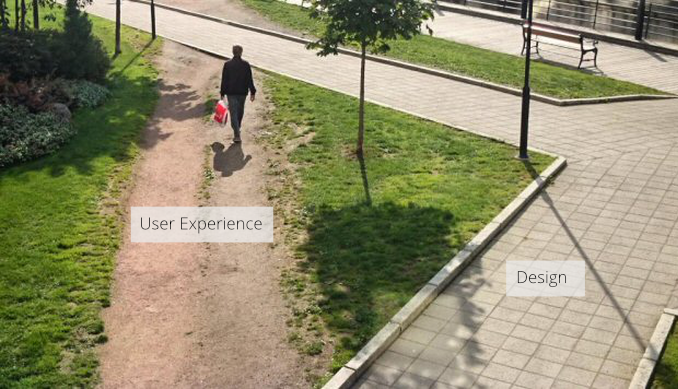
UI vs UX
User Interface Design (UI Design) is the visual layer of a digital product. It includes things like:
- Typography and readability
- Spacing and layout
- Buttons, forms, icons, and components
- Color, contrast, and visual hierarchy
- States like hover, active, disabled, errors
User Experience Design (UX Design) is the experience someone has while using the product. It’s about how the product feels to use:
- Is it clear or confusing?
- Is it smooth or frustrating?
- Does it guide you or make you guess?
- Does it feel reliable and satisfying?
A user doesn’t experience UI and UX as separate categories — they experience the product as one thing. That’s why you can’t talk about UX without UI, and you can’t talk about UI without UX. A UI with bad contrast, tiny text, or unclear hierarchy creates a worse experience. Weak UX thinking results in UI decisions that may look fine but don’t actually help.
A quick note about job titles
In the real world, job titles create confusion:
- UX Designers often focus on research, flows, testing, and structure.
- UI Designers often focus on visuals, components, and interface consistency.
So in job titles, UI and UX may be separated. In actual product quality, they affect each other constantly.
UI vs Branding
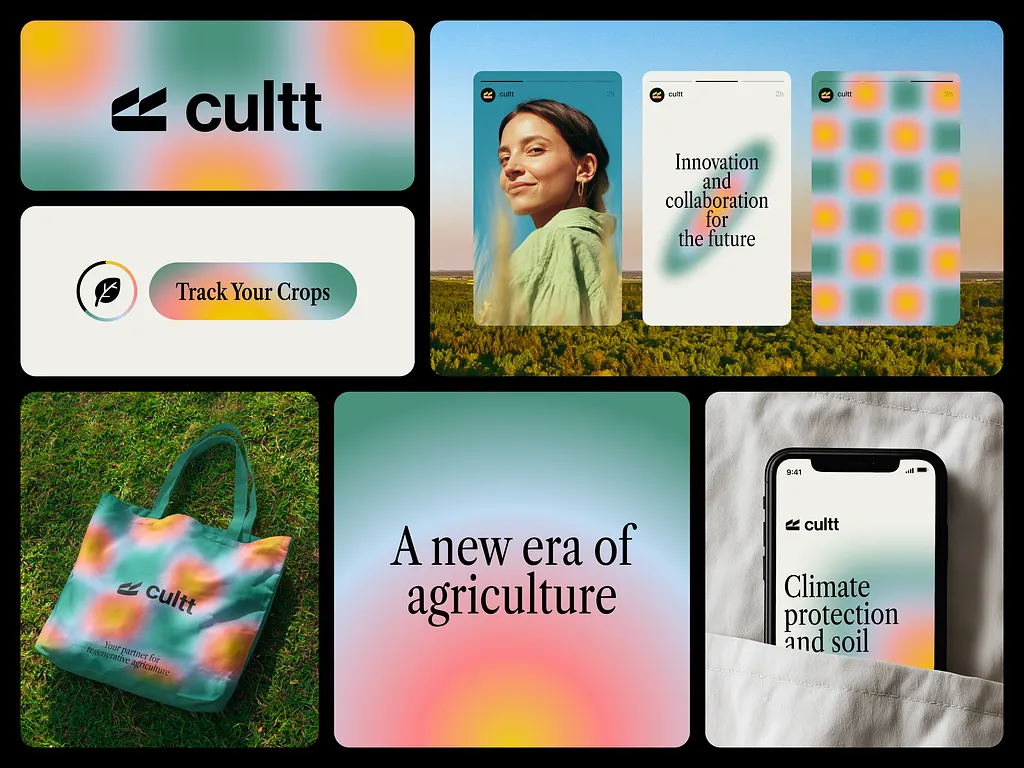
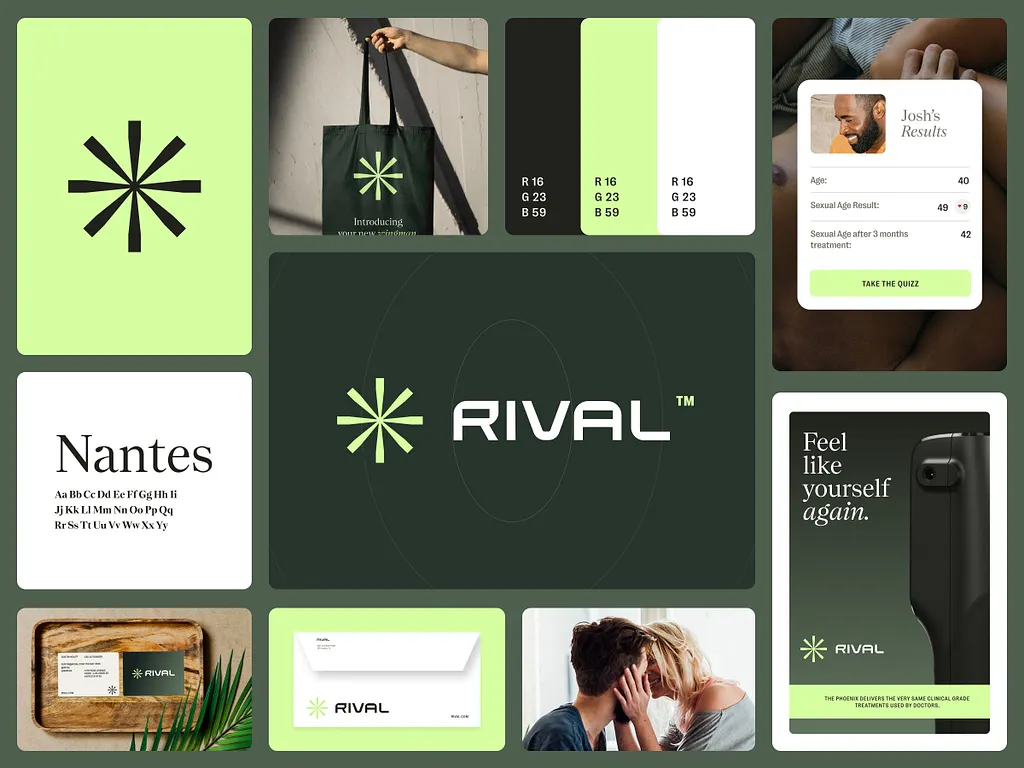
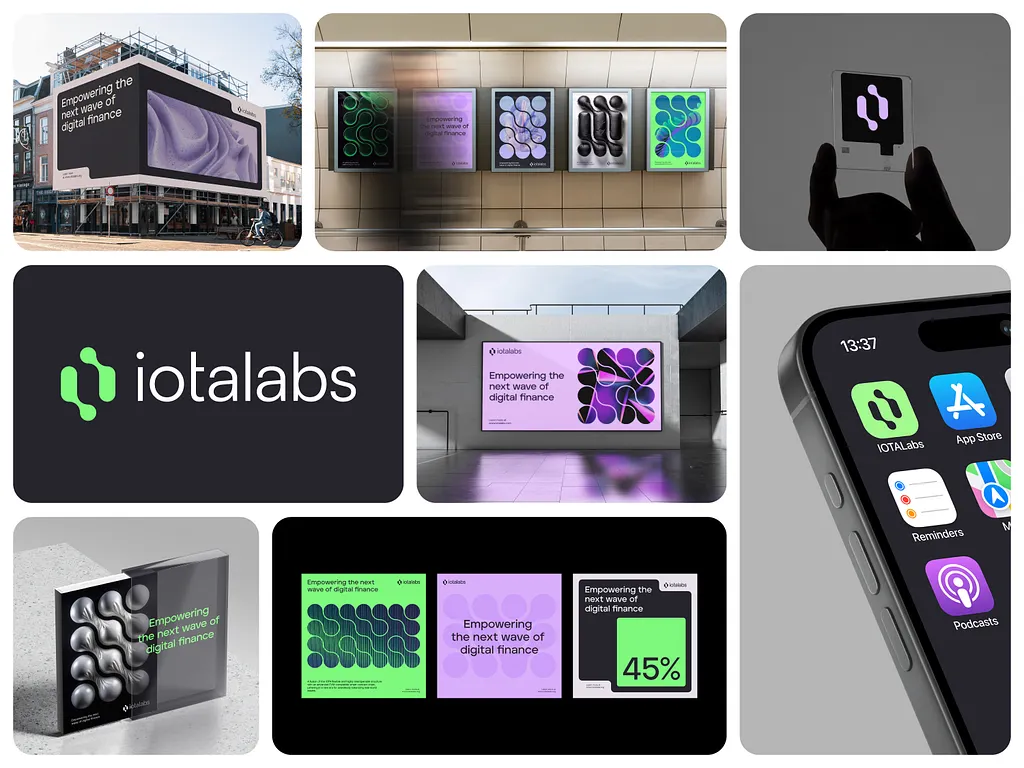
UI design also gets mixed up with branding, but branding is a different discipline. Branding is about how a company or product presents itself to the world. It often includes:
- Logo and visual identity
- Colors and typography choices
- Tone of voice and language
- Guidelines and consistency across channels
- Mockups for stationery and marketing assets
UI Design is about building interfaces that work across devices and contexts:
- Web, mobile, tablets, dashboards
- Navigation, structure, and interaction patterns
- Clarity, hierarchy, spacing, and usability
- Reusable components and systems
Branding supports UI by giving it a visual direction. UI turns that direction into a usable product.
The UI Design Mindset
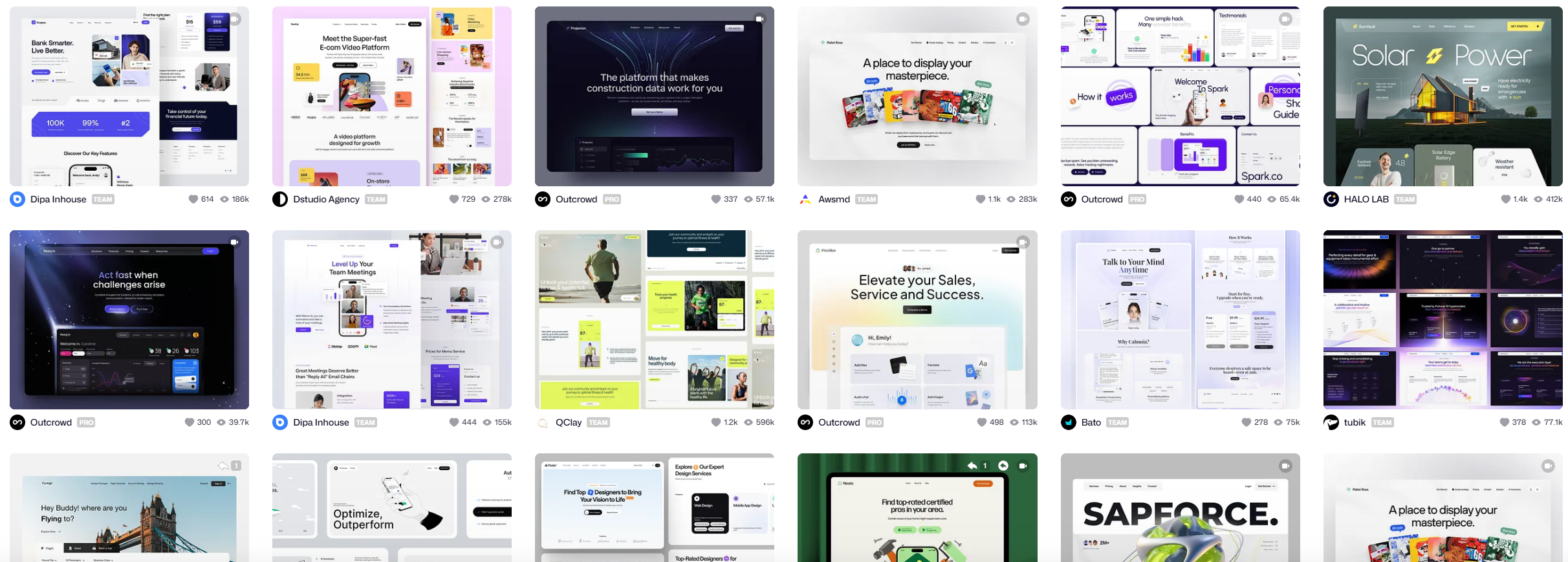
If you search “UI Design†on Google or Dribbble, you’ll find endless beautiful screens. It’s tempting to copy the style and jump into designing right away. But before you do anything, you need the right mindset:
UI design is not “making it look goodâ€. A lot of people think UI design is decoration. Making something “pretty.†That’s not only subjective, it’s also the wrong goal.
Most users don’t care how beautiful your interface is. They care about one thing: Can I complete my task quickly and without effort?
Aim for “invisible†design
The best interface often feels like it’s not even there. “Invisible†doesn’t mean boring. It means not distracting, not confusing, not competing for attention, and always guiding the user toward the goal.
Great design often goes unnoticed
At some point, everyone has used an app that just felt perfect. Smooth, clear, effortless. That kind of experience usually comes from hundreds or thousands of hours of careful design work.
Designers notice the small decisions; most users don’t. That’s the point. A huge amount of effort is spent so the user doesn’t have to think. Most users will notice bad design instantly. Most users won’t notice great design at all.
⌠BAD DESIGN
Example 1
Hierarchy is unclear: headings, controls, and content use similar weight and spacing, which makes it harder to identify the primary action or the next step.
✓ GOOD DESIGN
Example 2
Consistent spacing, subtle borders, and thoughtful color choices guide users without demanding attention.
So should we just make ugly stuff?
No. Usability should be your top priority, but visuals still matter because people associate good visuals with trust and quality.
Even if an app is usable, an outdated or sloppy-looking interface can make users doubt the product, feel less professional, create frustration over time, and push users to choose a competitor that “feels better.â€
The goal is balance: make something visually appealing while keeping usability as the foundation. A polished interface with good spacing, clear hierarchy, and intuitive interaction will always outperform something that looks trendy but confuses users.
Two interfaces can do the same thing, but feel very different
Imagine two screens: Left: ugly design, but solid design principles. Right: good-looking design, with solid design principles. Both screens do the exact same thing. Most people prefer the second one because it feels clearer, more trustworthy, and more pleasant to use.
⌠BAD DESIGN
restaurant
The Rusty Spoon
some food place with ok stuff i guess we have burgers and things
✓ GOOD DESIGN
Restaurant
The Rusty Spoon
Locally-sourced comfort food with seasonal ingredients and a warm atmosphere.
Trends vs fundamentals
Trends come and go, but this course is not about trends. If text is hard to read, or a button looks “off,†the product feels worse. A better UI improves both the visual quality and the experience.
Key takeaway
A beautiful interface means nothing if it doesn’t help the user. Your UI should look good, but more importantly, it should:
- Guide the user
- Reduce effort
- Remove confusion
- Make tasks feel simple
In this speedcourse, you’ll learn the principles that make interfaces not only attractive, but also usable and effective.